Video Course By: CarrieDee
PHASE 1 — Foundation Builder: Move Your Text & Create Your First Fast-Win Product Learn how to organize your ChatGPT text, build a simple sellable journal, and create 30 days of content while you work on you...
This first video walks you through the REAL first step of turning your idea into a book: moving your messy, scattered ChatGPT text into a clean, flowing document you can actually build from. Most beginners get stuck before they ever start — not because they lack ideas, but because their writing is trapped in conversations, screenshots, and broken paragraphs. In this lesson, you’ll learn: How to take raw ChatGPT responses and place them into a usable document How to eliminate broken spacing, weird formatting, and chat clutter How to create a simple foundation document you can grow over time Why we do NOT turn your messy text into a journal yet How to set up your “starter project” so you can earn while you work on your bigger book How Phase 1 sets the stage for Phase 2 and Phase 3 This is the video that gives you momentum. Once your text is organized, everything else becomes possible.
This video teaches you how to create 30 days of content in one session using the prompts and affirmations from your Phase 1 journal. You’ll learn how to batch-create simple, faceless videos that stay on brand, promote your product, and keep you consistent — even on busy days. Inside this lesson, you’ll learn: How to turn your 30 prompts/affirmations into 30 pieces of content What type of background clips to use How to create fast faceless videos without overthinking How to keep all 30 videos organized inside your CSV file How to stay ahead by batching instead of posting daily How this content will carry you through the next phases This video helps you establish momentum, consistency, and visibility while your main book is still being built.
This video welcomes you into the course and makes sure you’re fully prepared before diving into the creation process. By now, you should already have your CSV file downloaded — your batching/scheduling template — and be ready to start organizing your workflow. In this orientation video, you’ll learn: How this course is structured and what comes next What your CSV file is and how you’ll use it to track content, pages, and progress Why scheduling your work before building keeps you consistent How this CSV keeps your journal + content system aligned What to expect as we move into the hands-on creation steps This is your prep video, making sure you’re organized, ready, and set up for success before we build your fast-win product.
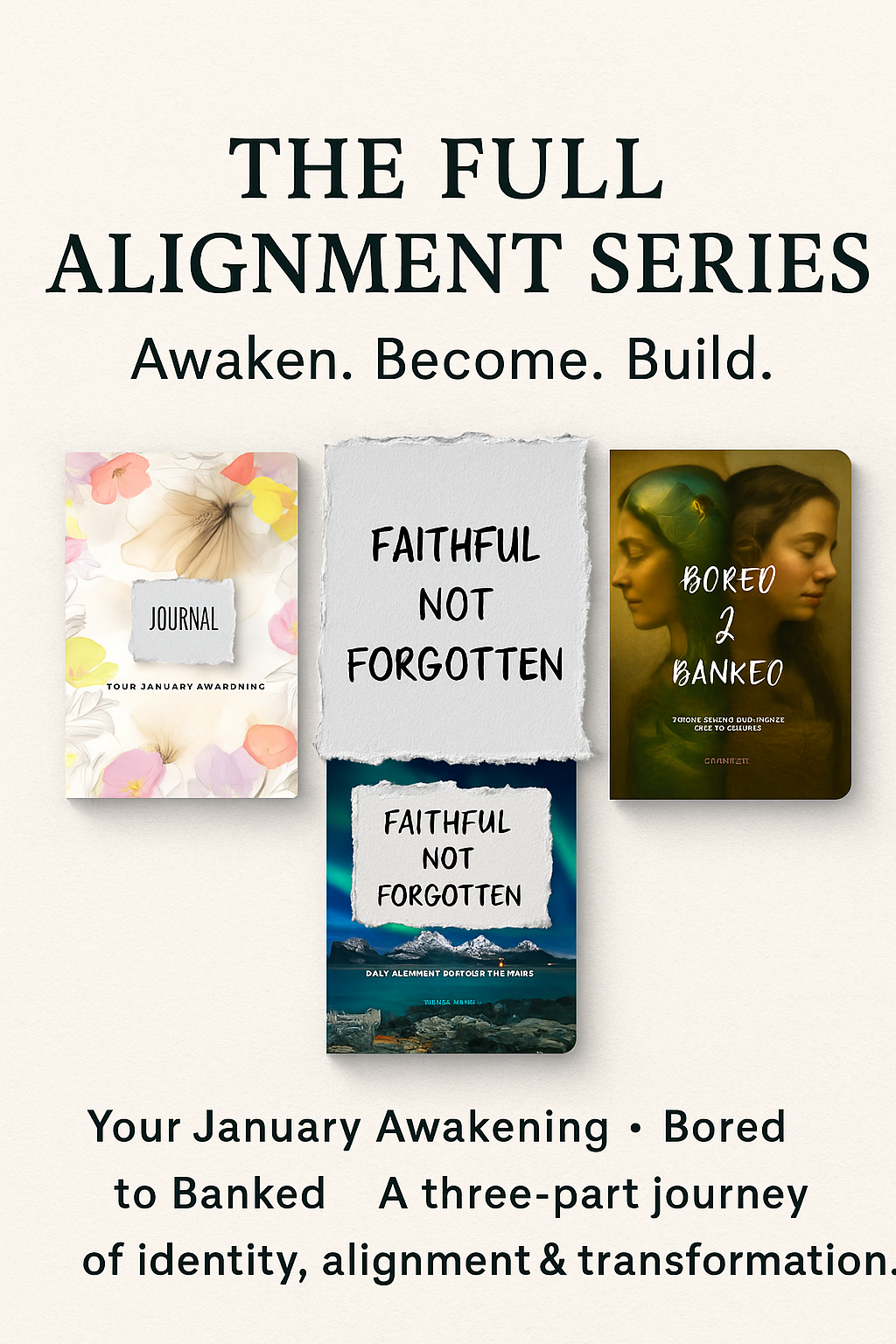
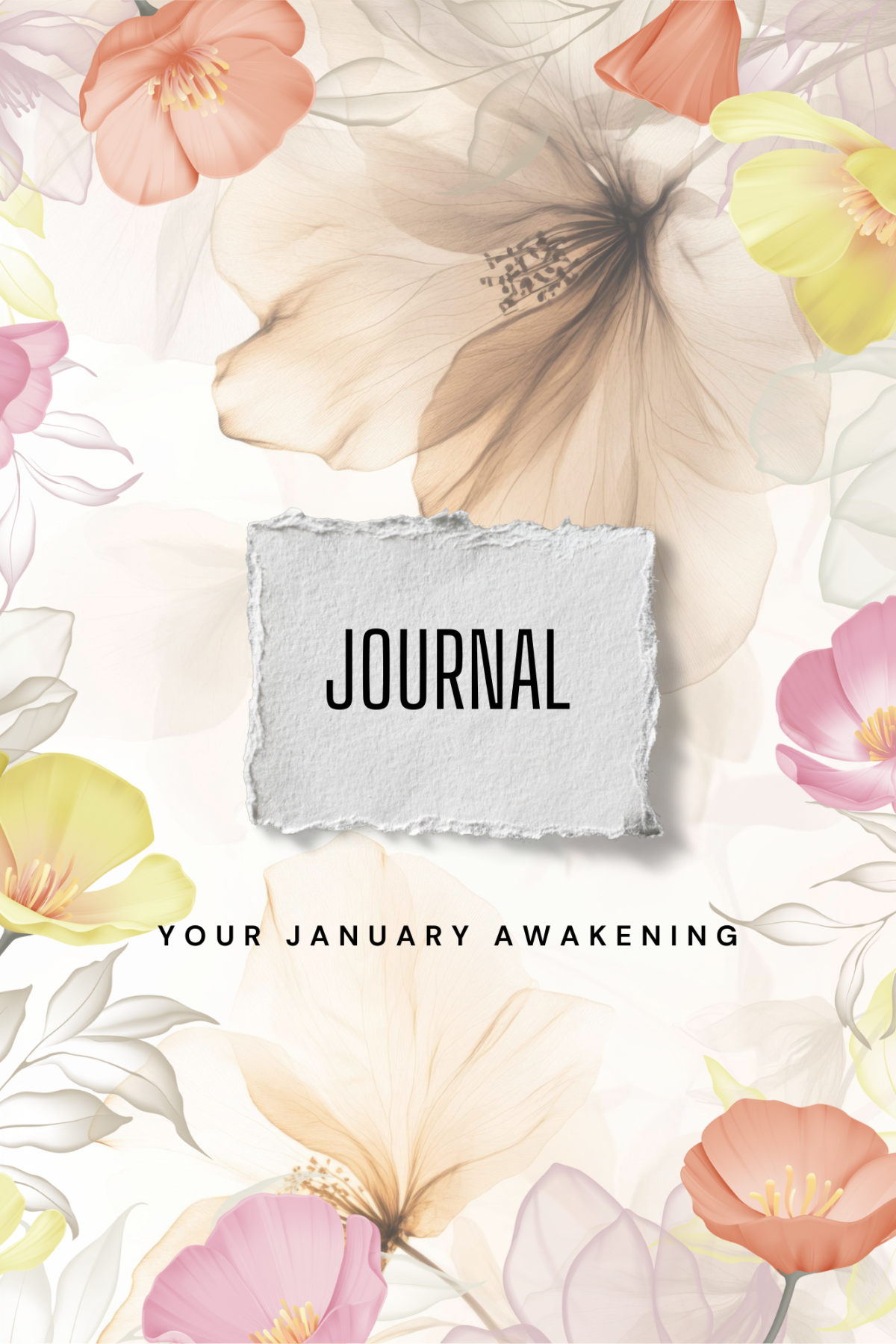
In Video 4, we bring everything together and build your complete January Awakening journal from scratch. This lesson walks you through the exact steps I use to format guided journals, affirmation books, and prompt-based planners that are clean, consistent, and ready for self-publishing. Whether you’re creating a personal development journal, a daily mindset planner, or a 30-day affirmation guide, this video shows you how to lay out your pages the right way using Canva. You’ll learn how to: Format your January Awakening journal from beginning to end Use Canva to create clean, professional, print-ready journal pages Place prompts, affirmations, and reflection sections in a readable flow Build consistent layouts for a 30-day or 90-day guided journal Organize your pages so the journal feels intentional and easy to follow Prepare your file for KDP print or digital distribution Avoid common design mistakes beginners make when creating journals Turn your structured idea into a real, publishable product By the end of this video, you will have your full January Awakening journal built, laid out, and ready for refinement before moving on to the next phase of your creation system. This module is perfect for anyone needing a simple, clear, step-by-step journal creation tutorial, especially if you’re planning to publish on Amazon KDP, Etsy, Shopify, RESELLCIRCLE or your own storefront. If you're ready to create your first clean, polished journal you can sell — this video gives you the foundation and the confidence to do it.
In this final Phase 1 video, you’ll learn how to standardize your document and mark your headers inside Canva so your journal looks consistent, clean, and professionally structured. This is the step most beginners skip — but it’s the step that makes everything you build in Phase 2 and Phase 3 come together beautifully. This tutorial shows you: How to make your journal pages uniform and easy to read How to set and apply headers, subheaders, and body text styles How to avoid the “messy Canva layout” that stops most beginners How to clean up spacing, alignment, and formatting How to prepare your document for print-friendly design later on How to build a layout that matches your January Awakening journal theme By the end of this video, your journal will have a polished, standardized foundation that sets you up for success in the next phases of your creation system. This is the bridge between a simple starter product and a fully formatted book. If you’re new to Canva or formatting, this lesson gives you the structure and clarity you need to feel confident moving forward.